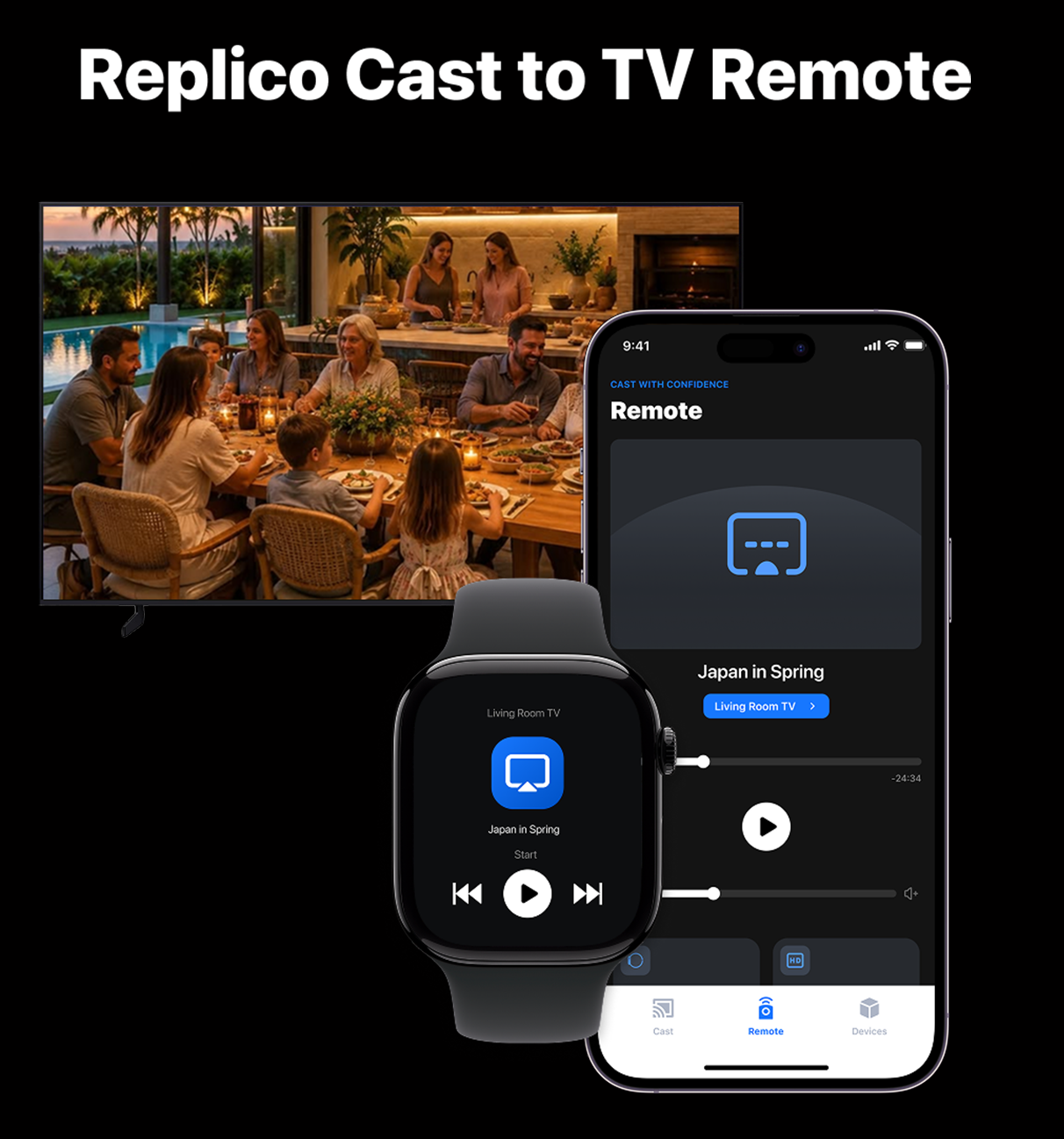
iPhone + Apple Watch remote
Play, pause and adjust the volume using your iPhone or Apple Watch. Available controls depend on your connected device and casting mode.
CAST TO TV. CONTROL TOGETHER.
Bring photos, videos and everyday moments to a bigger screen. Turn your iPhone into a casting remote, and keep playback within reach on your Apple Watch.
Explore the featuresFree to use. No subscriptions. No in-app ads.
LESS REACHING. MORE WATCHING.
Pause for a conversation. Adjust the volume from the sofa. Keep the moment going without reaching for your phone every time.
Play, pause and adjust the volume using your iPhone or Apple Watch. Available controls depend on your connected device and casting mode.
Share photos, play videos and listen to audio on a compatible receiver. Make more room for family memories and the things you enjoy.
Bring your iPhone screen to a supported larger display for presentations, learning or sharing. What you show on your phone can be visible to everyone watching.
Browse websites and send supported online videos to a compatible TV. Website playback restrictions and protected content may prevent casting.
Start casting supported web videos from Safari without copying links between apps. Enable the extension and allow access to the websites you choose.
Check your connection and troubleshoot common discovery or playback issues, so you know what to try next.
A compatible receiver and suitable network connection are required. Supported media, controls and performance vary by device, connection and content provider. Replico does not bypass DRM or website access restrictions.
HERE TO HELP
Use the feedback option in Replico to get in touch. For connection issues, include your iPhone model, receiver model and a short description of what happened. Please do not send passwords or private media.